Videos generated
Trusted by creators and brands worldwide.
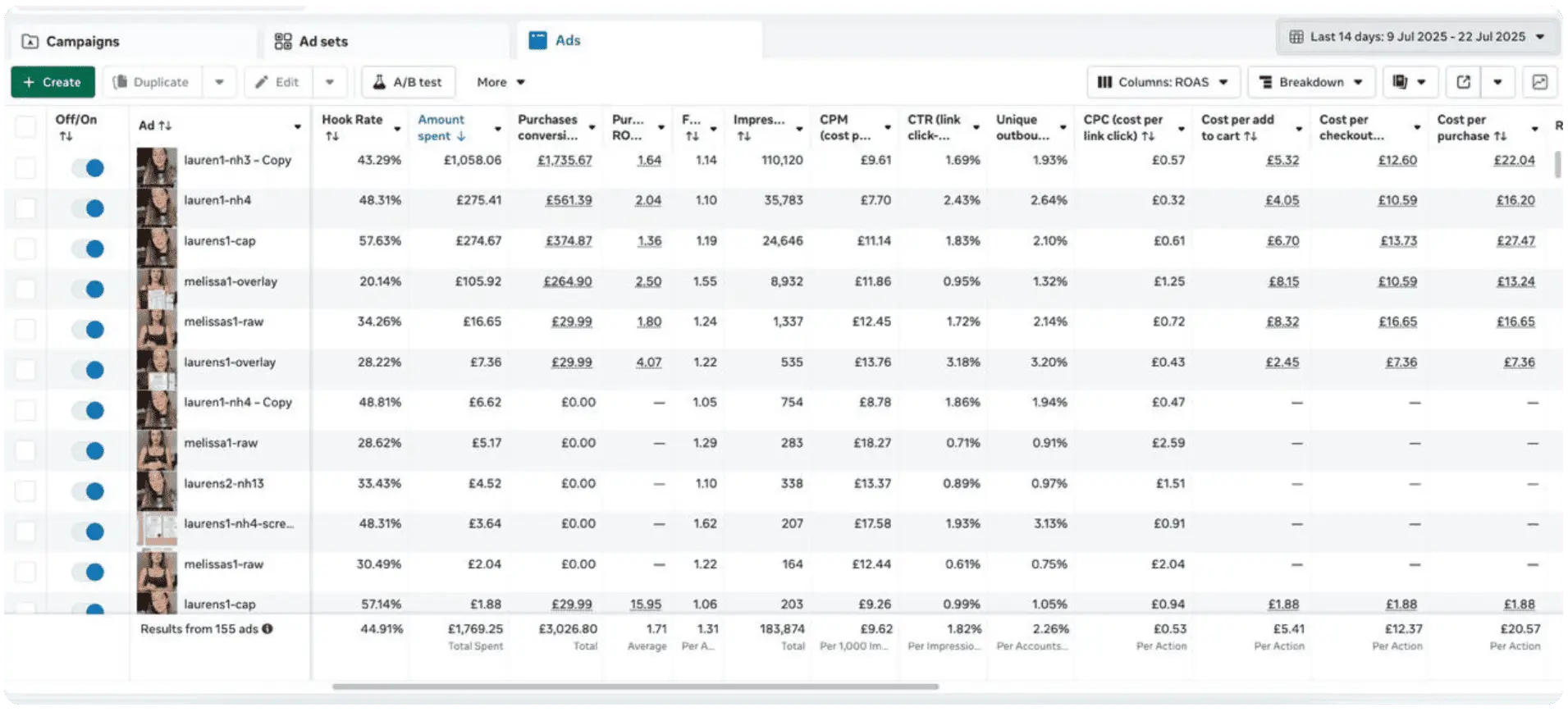
Average ROAS
Proven results that boost every campaign.
Average generation time
From idea to finished video. Instantly.
From idea to video in minutes — ready to use instantly.
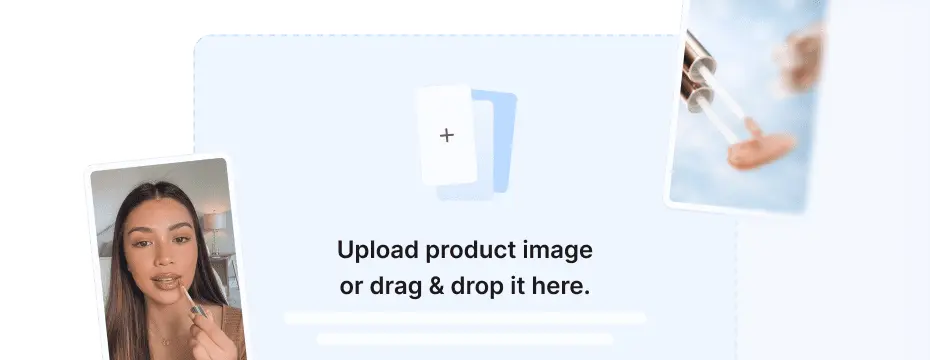
Enter or automatically generate a script that aligns with your brand’s message to personalize your AI-generated video.
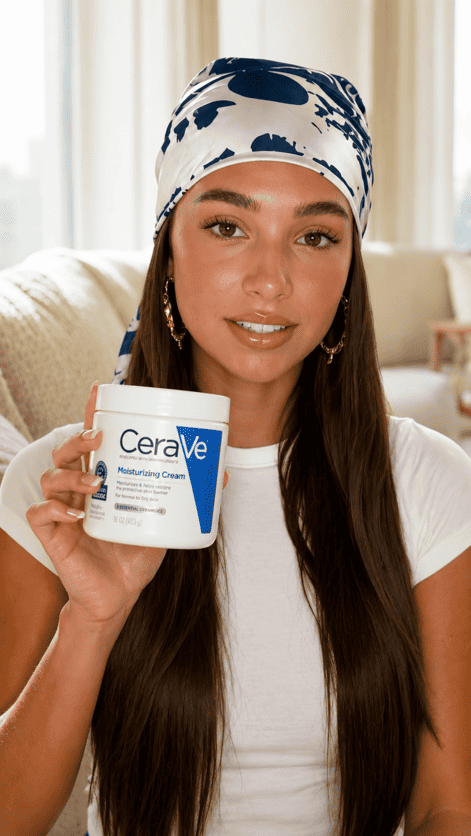
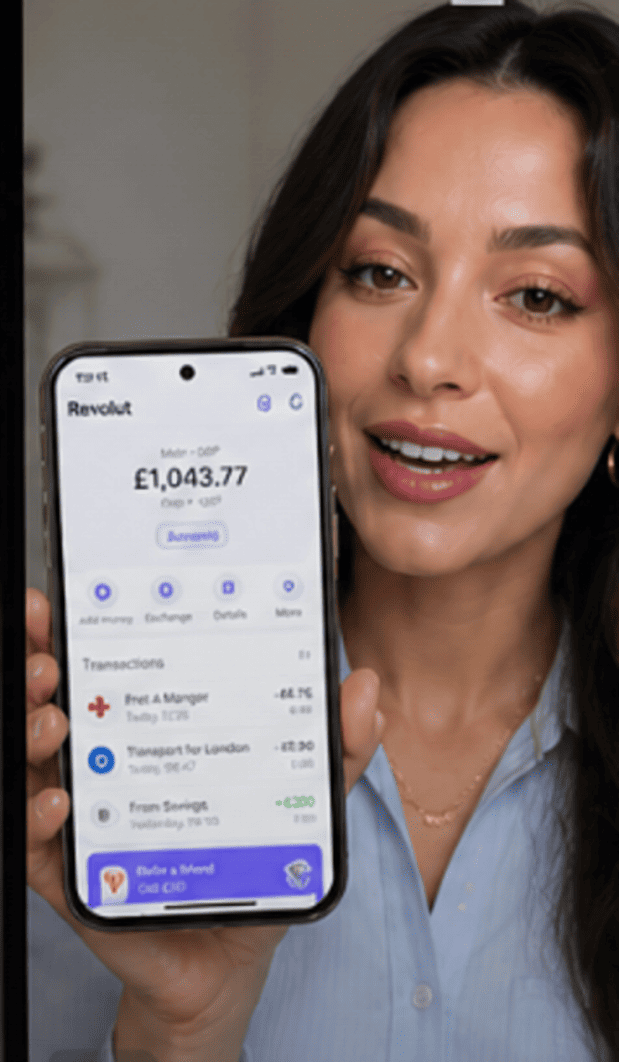
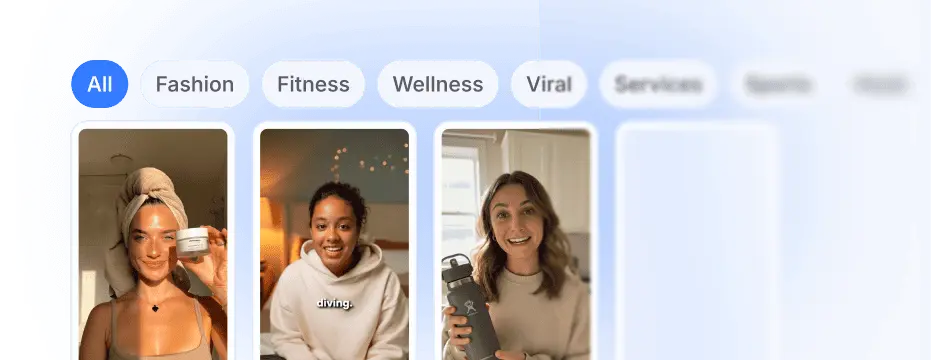
Select the perfect AI actor to represent your message and build visual consistency across every campaign.
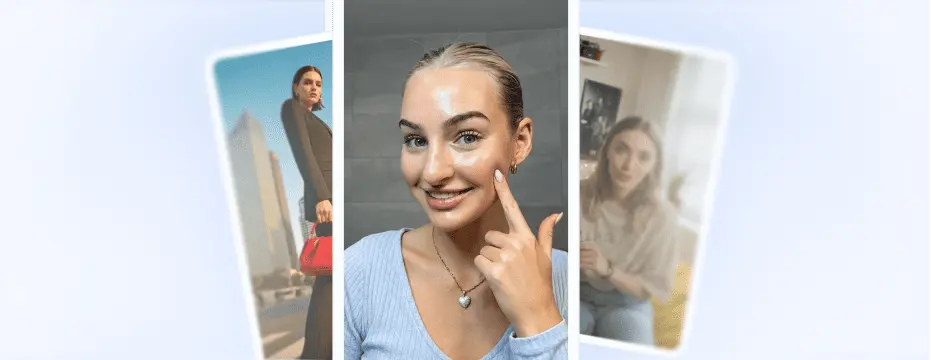
Combine the selected avatar and script to quickly producea high-quality, personalized video for your brand in minutes.
Instantly localize your videos with native voices and perfect lip-sync.
Brands scaling faster & cheaper with AI UGC.
Choose the best plan for your needs
Everything you need to know.
After inputting a script, talking head videos take between 2-10 minutes to process
AI hook videos take between 5-10 seconds.
Custom avatars can take up to 1 hour to train.
If your video takes longer than this please contact support on help@makeugc.ai
Yes, MakeUGC allows you to hold, showcase, and even consume your product. Once created, you can make videos in minutes using standard templated videos.
Please note this feature is only available for PRO, Launch or enterprise plan users
Yes, because the video has already been generated, and we allow you to preview the script beforehand to avoid mistakes. However, if the issue is due to a system error or creator malfunction, we will refund the credit back to your account.
While MakeUGC focuses on fast video production, if you do encounter any delays exceeding the timings below.
Talking head videos take between 2-10 minutes to process
AI hook videos take between 5-10 seconds
Custom avatars can take up to 1 hour to train
Please contact support in the bottom right of the screen or on help@makeugc.ai
Note: during peak hours video generation can take up to double the time stated above, if you issue does persist, please contact support.
You can upgrade your plan at any time during your account settings, your current credits will be rolled over into your new plan combining both credits. Upgrading will initiate a new billing cycle.
MakeUGC, offers a cancel at any time plan, you can cancel your plan through the subscription tab. Upon cancellation, your subscription remains active until the end of the current billing cycle.
No, there are no limitations. You own all of your creatives, even after your plan ends, and can use them across any channel without restrictions. All stock footage utilized in MakeUGC is royalty-free.
Each subscription plan provides a specific number of videos monthly or annually and access to MakeUGCs features and video licensing, this includes AI video creation, ad maker, script maker and access to over 150+ avatars.
You can change your plan at any time through your account settings on the subscription tab. If you do need any help please contact us on help@makeugc.ai
We don’t offer a free trial at the moment, but you can still try MakeUGC with confidence.
If you sign up and decide it’s not the right fit before using your subscription, we’ll happily refund you—no questions asked.
Yes, we do but for full details, please refer to our refund policy.
You can create videos in Batch Mode by going to Talking Actors in the dashboard, selecting multiple creators at once, and then clicking Generate
Watch how fast AI makes content people can’t scroll past.
© 2025 MakeUGC. All rights Reserved.